
NEWS
Xbox Brings Back 15-Character Unique Gamertags After 2019 Cut
Xbox restored unique 15-character gamertags on July 15, 2026, after the 2019 suffix cap, while taken and non-Latin names still stop at 12.

Xbox restored unique gamertags of up to 15 characters in the July 15, 2026 console update, OS version 10.0.26100.8866.
The same drop put poster-style library art, hex profile colors, and live service alerts on Home. Taken names and non-Latin tags still stop at 12 characters and a suffix.
Xbox Restores 15-Character Unique Gamertags
The July notes use the phrase “bringing back,” which is the honest part of the changelog. Classic Xbox tags were always allowed 15 characters. The modern system that shipped on November 15, 2019, kept that classic lane on paper and then starved it in practice, because any name that needed a hash, or used non-Latin letters, was squeezed onto a 12-character base so the suffix would fit on screen.
We’ve heard from players who wanted a little more flexibility when choosing a gamertag, and we’re bringing back support for unique gamertags up to 15 characters long, expanded from the previous 12-character limit.
Alex Charters, Senior Product Manager, and Eden Marie, Principal Software Engineering Lead, Xbox Wire
Charters and Marie posted that line on June 24, 2026, when Alpha Skip-Ahead Insiders got the first look at unique gamertags up to 15 characters. Retail consoles picked it up three weeks later. The extra three letters apply only when the string is unique, available, and Latin. If someone already holds the name, or the tag uses non-Latin characters, Xbox still assigns a suffix and still caps the visible name at 12.
That split is why a 15-character tag in 2026 does not mean the hash is gone. It means the old unique-name lane is open again for people who can claim a string nobody else owns.
WHO GETS 15 CHARACTERS
| Tag path | Max letters | Suffix |
|---|---|---|
| Unique Latin name that is free | 15 | None |
| Name already taken, or non-Latin characters | 12 | Assigned, with # |
| Classic tag in Xbox developer docs | 15 | None |
| Unique modern tag as games render it | 16 | # plus up to 3 digits on a 12-letter name |
Players who wanted a long unique tag still have to find one that is actually free. The console will not stretch a duplicate “StormYeti” to 15 letters and skip the hash. It will hand back StormYeti with a suffix, on a 12-character base, the way it has since 2019.
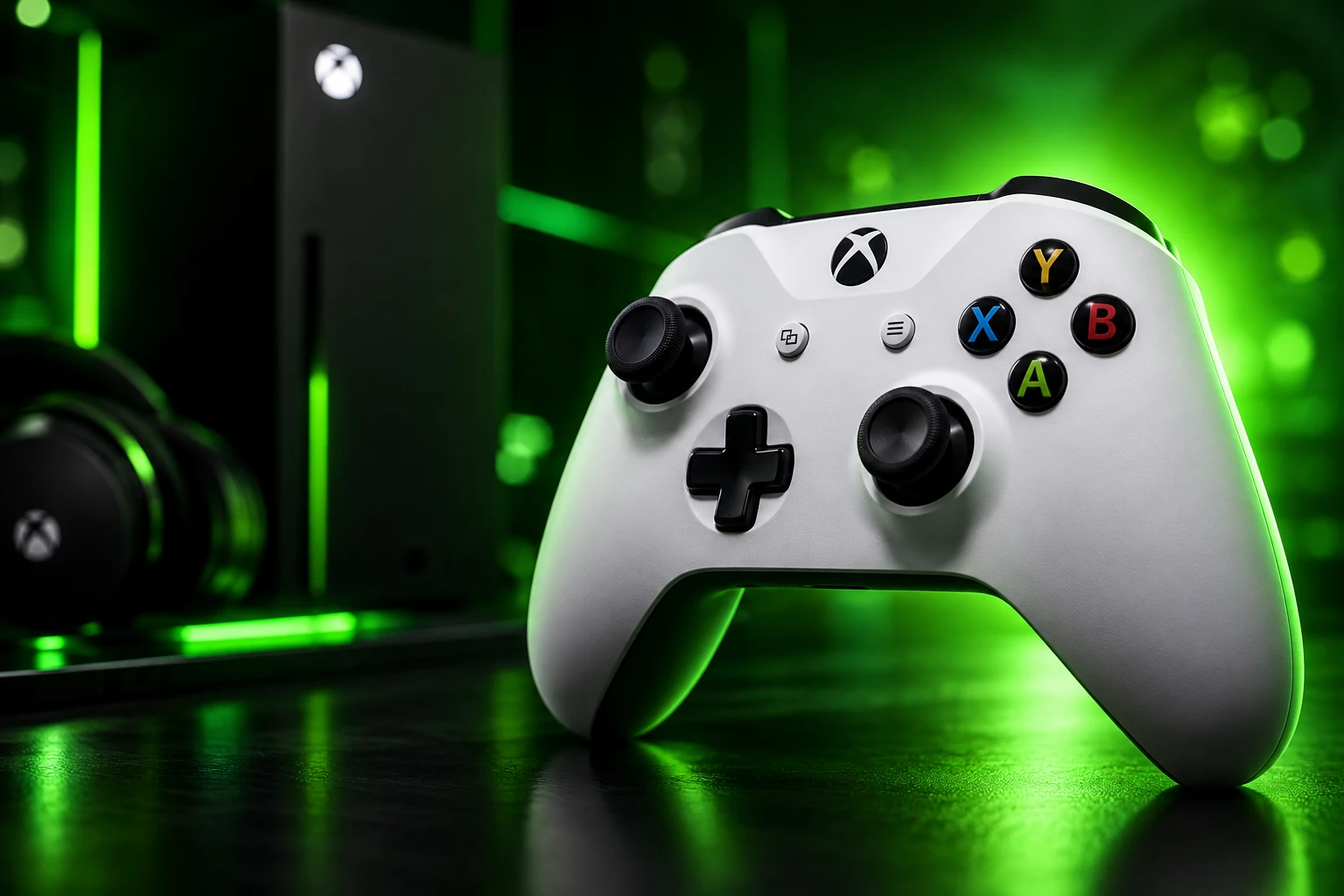
The Suffix Lane Still Caps Names at 12
Xbox spent E3 2019 and the November 15, 2019 dashboard update selling the suffix as a gift. A four-digit ID after a hash, shown smaller than the name, would let two people share “Doctor Hoot,” with one of them becoming Doctor Hoot#1056. Thirteen extra alphabets arrived in the same pass, covering more than 200 languages. The cost, which the company never billed as a cost, was the modern length cap.
Developer docs still describe a 12-character modern gamertag component. The unique modern string games are told to draw is 16 characters: those 12 letters, a hash, and a 3-digit suffix. Shorten the name and the suffix can grow, up to 14 characters, but the rendered unique modern tag is not allowed to blow past that 16-character envelope. Classic tags, the ones with no suffix, stay at 15. July’s “bring back 15” move reopens that classic-style unique lane. It does not rewrite the modern component that titles have been coding against.
That is the catch players keep circling. A longer unique Latin name is useful if you can grab it. Everyone who lives on a taken word, or who writes in a script the 15-character path still excludes, is looking at the same 12-character box and the same hash. The July notes say that out loud. They do not retire the suffix.
A 2020 Wish List Lands in 2026
By 2020, people in the Insider feedback channels were already asking for the 15-character unique cap to return, and they were asking for patch notes they did not have to hunt down on a phone. Those two requests sat at the top of fan tallies that year. Xbox took six years and eight months from the November 2019 overhaul to ship both of them in one retail OS.
THE ROAD BACK TO 15 CHARACTERS
- November 15, 2019: Modern gamertags arrive with a four-digit suffix, 13 added alphabets, and a 12-character modern length cap.
- 2020: Insider feedback threads rank a return to 15-character unique tags, and on-console patch notes, among the most requested dashboard changes.
- June 10, 2026: Select Insiders get poster-style library art, mutual friends on profiles, and wishlist buttons on Game Cards.
- June 24, 2026: Alpha Skip-Ahead gets unique 15-character tags, Xbox 360 game hubs, and cloud play while a title updates.
- July 15, 2026: Retail consoles install OS 10.0.26100.8866 (xb_flt_2607ge.260630-2200) with the full July set.
- August 12, 2026: OS 10.0.26100.9426 follows with game hubs and cloud-save work. The 15-character unique rule stays in place.
The August 12 build matters because it is the first monthly drop after July, and it does not claw the identity change back. Anyone who waited to see whether 15-character unique tags were an Insider toy can treat July 15 as the live rule.
Some people were still finishing the swap in mid-August, moving clips, channel names, and friend-facing branding onto a 15-character string once they confirmed the console would keep it. The delay was social, not technical. Changing a tag still ripples through every game, party, and storefront that caches the old one.
My Games & Apps Can Look Like Posters
Library customization is the change you see from the couch without opening Settings twice. My games & apps can drop the old square tiles for richer poster-style box art, the tall rectangles storefronts have used for years. The toggle sits under My games & apps, then Manage, Settings, Customize games & apps, Choose a tile style for My games & apps.
A second toggle in that same Customize games & apps page strips badges off the art, including on recently played lists. Install progress, Game Pass marks, and the other corner icons can disappear if you want a shelf of posters instead of a dashboard of status chips. Xbox split Home personalization and Games & apps personalization into separate Settings sections so those controls stop sharing one crowded page, and it added jumps into those pages from context menus on Home and in the library.
Profile color caught up with the same pass. You can type a hex code, or use Match my gamerpic to pull a color out of the picture on your profile, then preview how that color lands across the console before you commit. The path is Settings, General, Personalization, My color & theme, My color. Offline, the console now keeps dark and light themes, custom backgrounds, a solid color, a short list of dynamic backgrounds, and color tweaks on those dynamic backgrounds, so a box that cannot reach Xbox network still does not snap back to a stock look.
Home Now Carries Patch Notes and Outage Alerts
The other 2020 request in the July notes is sitting in the top navigation on Home. After an update, release notes are one control away, and Xbox rewrote those notes to spell out features, changes, and major bug fixes instead of a one-line “various improvements.” You can still read the public archive in the July 15, 2026 system update notes on the support site, which is also where later OS numbers land.
Service alerts use the same strip of Home. When Xbox confirms a network problem, an indicator appears in the top navigation so you do not have to leave the living room to learn that multiplayer or the store is down. From there the console sends you to a status view with what is affected and when it is expected back.
WHAT HOME GAINED IN JULY
- Release notes: Latest notes open from Home’s top navigation after a console update, with more detail on features and major fixes.
- Service indicator: A Home alert appears when Xbox confirms a network issue, with a jump into the status view.
- Status handoff: That view is the same public Xbox network status page players already used in a browser, now reachable without picking up a phone.
Putting the outage light on Home is a quiet admission that the support site and social channels had become part of the boot ritual. The July software does not make the network more reliable. It stops pretending the dashboard can stay silent while friends are already comparing downtime screenshots.
Mutual Friends, Wishlists, and a Cleaner Game Card
Social discovery on Xbox has always depended on already knowing the tag. July adds a middle step. Open another player’s profile and, if their privacy settings allow it, you can see mutual friends on player profiles. If you are not friends yet, you still get a count of how many people you share, which is the difference between adding a random lobby name and adding someone your clan already plays with.
That feature left the lab on June 10, 2026, in an Insider preview of mutual friends that also tested a leaner shutdown path on a separate track. Retail July kept the profile work and left power modes out of this changelog.
Wishlisting followed the Game Card. You can pin a title before it is for sale, from the same card you already use for launches and installs, instead of digging through the store listing later. Combined with the June 24 Insider work that also let released games land on that list from the card, the Game Card is now the place you save a game whether it is out, coming, installing, or waiting on a patch.
What Cloud Gaming Changed in July
Cloud sessions used to stall on the Xbox logo while the stream spun up. After July 15, loading screens show the game’s own art, and when the stream is ready you drop into the title instead of watching the logo first. It is a small timing change with a loud effect on a living-room TV, because a cloud launch no longer looks like the console failed to boot the disc.
The June 24 Insider notes went further for testers: if a Game Pass title needed an update, you could stream it immediately and queue the local copy to finish later, with a cloud launch control right on the Game Card during installs. That cloud-while-updating path is the Skip-Ahead version of the same idea. The retail July text is narrower, and it is the one sitting on most boxes: art on the load, then the game, no logo detour.
Xbox 360 achievement art got a related cleanup. Those old images now render with crisp pixel blocks when the dashboard upscales them, so a 360 tile on a 4K set looks like pixel art instead of a smeared JPEG. June’s 10.0.26100.8556 build had already done similar work for 360 gamerpics on Series X sets running 4K. July extends the same treatment to achievement art in the OS that everyone received.
Controllers, Offline Themes, and Three Crash Fixes
The Xbox Accessories app now shows a picture of the specific pad that is connected, including supported standard and special-edition Xbox Wireless Controllers and the Xbox Elite Wireless Controller Series 2. Most controllers released since November 2020 are in that set. The point is practical: when you remap a button or tweak hair triggers, you can see which physical device you are editing if two pads are in the room.
Offline personalization, covered above with the hex colors, is the other living-room fix for a box that still gets used when the network is down. Dark and light themes, custom backgrounds, a solid color, limited dynamic backgrounds, and color on those dynamic backgrounds no longer require a live connection to stick.
THREE FIXES IN 10.0.26100.8866
- Library crash: My games & apps could crash while installing updates. That path is patched.
- Focus jump: Navigation focus could reset with no input. Focus now holds.
- List reload: Opening a game’s achievement details and backing out forced a full reload of the game list. It no longer does.
To pull the build if a console sat on an older OS, the path is Settings, System, Updates, then Update now when 10.0.26100.8866 or a later 26100 build is offered. Later boxes will already be on 10.0.26100.9426 or newer and will still have the July identity and Home work underneath.
Frequently Asked Questions
Can a Taken Xbox Name Use 15 Characters?
No. Only a unique, available Latin gamertag can use 15 characters with no suffix. A taken name, or a tag that uses non-Latin characters, stays on a 12-character base plus a hash. Xbox developer docs still tell games to draw a unique modern tag as 16 rendered characters, which is 12 letters, a hash, and up to 3 digits, and they still allow the suffix itself to run from 1 to 14 characters as the name gets shorter.
Does Xbox Still Let You Change a Gamertag on Xbox 360?
The official how-to page still lists the web, a current Xbox console, and Xbox 360 as supported ways to change a tag. The 360 path is how some people kept 15-character names after the 2019 cap, because that hardware never adopted the modern 12-character box. A change made there still has to pass Community Standards, and it still propagates to current consoles, PC, and mobile once Xbox accepts it.
Did the August 2026 Update Remove 15-Character Tags?
No. The August 12, 2026 retail OS is 10.0.26100.9426 (xb_flt_2608ge.260805-2200), and its public notes cover game hubs, achievements, cloud saves, wishlist work, and manage-game tools. They do not reverse the July gamertag rule, so unique Latin tags remain at 15 characters on consoles that have taken both monthly drops.
Which Controllers Show a Photo in the Accessories App?
The app can show an image for a supported standard or special-edition Xbox Wireless Controller and for the Xbox Elite Wireless Controller Series 2. Xbox says most controllers released since November 2020 should work, which leaves older pads on the generic layout when you remap buttons or change thumbstick settings.
If the 15-character string is free and Latin, the console will take it. Taken names and non-Latin names still get a 12-character base and a suffix, which is the same identity math Xbox has used since 2019, with three extra letters only for people who can claim a unique tag.

Windows 11 26H2 Turns Settings Backup On by Default

The Gears 2 PC Port Epic Refused to Ship

Ghost Recon Wildlands Returns at 4K as a Catalog Product

Waterpark Simulator Keeps the $12.99 Price After 1.0

Nurix Puts NuPlay on Microsoft Marketplace to Reach Azure Buyers

Warzone Leaves Xbox One and PS4 After Season 06

Microsoft AI Was Set Free to Build Its Own Frontier

Microsoft IQ Turns Workplace Data Into a Metered Agent Brain

Xbox Games Showcase 2026 Split the Catalog in Two

Nadella Banned Addiction Talk While Scout Kept Heartbeat
-
 NEWS5 months ago
Warzone Leaves Xbox One and PS4 After Season 06
-
 NEWS5 months ago
Microsoft AI Was Set Free to Build Its Own Frontier
-
 MICROSOFT 3655 months ago
Microsoft IQ Turns Workplace Data Into a Metered Agent Brain
-
 NEWS5 months ago
Xbox Games Showcase 2026 Split the Catalog in Two
-
 MICROSOFT 3655 months ago
Nadella Banned Addiction Talk While Scout Kept Heartbeat
-

 NEWS5 months ago
Modern Warfare 4 Splits Its Audience Before the October Launch
-

 NEWS5 months ago
Infinity Ward Bets Modern Warfare 4 on a Paid DMZ
-

 NEWS5 months ago
Dragonwilds Hits Xbox, but Steam Saves Stay Put