
NEWS
Copilot Suggested Rename Skips the Desktop Most People Use
Copilot Suggested Rename will offer three OneDrive file names on the web, while File Explorer, phones, and unlicensed seats keep Document1.

Microsoft scheduled Copilot Suggested Rename for OneDrive on the web in June 2026, with three names drawn from the file itself. The tool sits in the browser rename box and in the pop-up after a single supported upload, not in File Explorer.
Microsoft posted it on May 30, 2026 as a Copilot feature for OneDrive, with general availability on web for worldwide standard multi-tenant clouds. It does not silently rewrite the file. You still click a name, or you keep the one you already have.
Copilot Suggested Rename Reads the File First
On May 30, 2026, Microsoft described Copilot Suggested Rename as an AI-powered OneDrive feature that recommends clear file names based on a file’s content. The card is Microsoft 365 roadmap item 564909, created a day earlier, with a June 2026 general availability window and web as the only platform.
When you open rename on a supported file, Copilot reads what is inside and offers 3 context-aware names in that same box. One click applies a suggestion. You can also ignore the list and type your own name, which is the whole difference between a suggestion and a silent rename.
That read is the product, not a flourish around it. A name like Document1, Scan_04182026, or FinalFINALv3 tells OneDrive almost nothing. The model has to look at the document, the deck, the sheet, the PDF, the Markdown, or the image to invent something a person might actually search later.
SUPPORTED FILES IN THE RENAME BOX
- Word: DOCX files, not the older DOC type Microsoft lists for other Copilot file chat.
- PowerPoint: PPTX decks.
- Excel: XLSX workbooks.
- Other documents: PDF and Markdown (MD).
- Images: Microsoft lists images as supported here, even though Copilot Q&A in OneDrive still says image support is coming.
Folders, videos, meeting recordings, and OneNote notebooks are not on that card. A scanner that dumps a mixed pile still leaves most of the pile untouched unless each file is a supported type and someone opens rename, or uploads one file at a time.
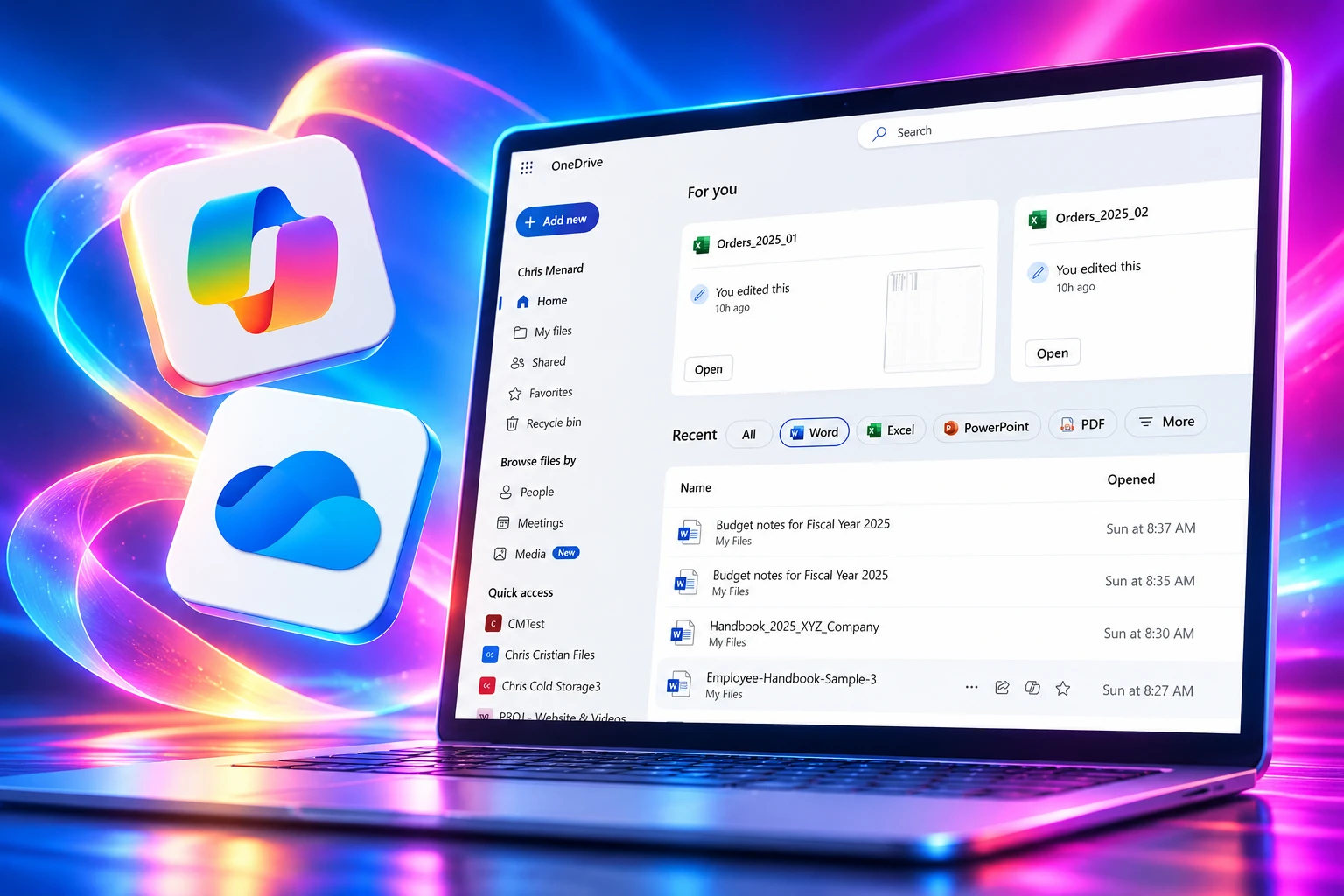
The Upload Toast Does the Selling
Microsoft also wired the same three names into the post-upload toast, the little pop-up that appears after a file lands in OneDrive. That pop-up fires when a single supported file is uploaded. A batch of forty scans does not get forty toasts.
The toast is the moment people still care about the name, because the file just arrived and has not yet disappeared into a folder. A rename buried in a right-click menu is easy to skip. A chip on the upload confirmation is easy to tap, which is how a suggestion becomes the stored name without a naming policy, a training session, or a second thought.
An accurate Copilot name can still be a worse name. People look for the words they typed, a client code, a date format, or a project slang the model will not know. A cleaner title that nobody will search is just a different kind of hide-and-seek. The three chips do not show the old name next to a company template, and they do not warn that the new string will break a script that expected Scan_04182026.
Microsoft already renames OneDrive files for a different reason. Names that start or end with a space, end with a period, or carry unsupported characters can be rewritten, with each bad character turned into an underscore, after a notice that points at a CSV of changed files. That path is about sync rules. Suggested Rename is about meaning. They can both change the string colleagues already copied into email.
Who Gets the Three Name Suggestions
Microsoft 365 Personal and Family plan holders (the Family owner only) and work users with a Copilot license can use Copilot in OneDrive on the web, which is the surface Microsoft put this feature on. File Explorer, the phone apps, and work users with only Copilot Chat sit outside that plan.
Microsoft filed Suggested Rename under Microsoft Copilot, not as a free OneDrive extra. Copilot in OneDrive is bundled with Microsoft Copilot and stays on for licensed users. Microsoft’s own Copilot in OneDrive license rules already split the room in the same way.
WHERE THE THREE NAMES CAN APPEAR
| Who | Where Microsoft put the feature | What Copilot in OneDrive already requires |
|---|---|---|
| Microsoft 365 Personal | OneDrive on the web | Copilot in OneDrive is included with the plan |
| Microsoft 365 Family | OneDrive on the web | Only the plan holder; other Family Group members are out |
| Work or school with a Copilot license | OneDrive on the web | Copilot in OneDrive stays on for those licensed users |
| Work or school with Copilot Chat only | OneDrive on the web | Chat is included with eligible Microsoft 365; Copilot in OneDrive is not that free tier |
| Any of the above, in File Explorer or on the phone | Desktop or mobile | Not in the June 2026 web plan |
On the commercial side, Microsoft lists the Copilot add-on at $30 per user each month when paid yearly, or $31.50 when paid monthly, on top of a qualifying Microsoft 365 plan. Copilot Chat stays at no extra cost for Entra users who already have Microsoft 365, which is a different product with a different reach into files.
The roadmap card names only Worldwide (Standard Multi-Tenant). GCC, GCC High, and DoD are not on it. Personal and business OneDrive on the web are the audience Microsoft described, with the Copilot gate sitting underneath that sentence.
File Explorer Still Sees Document1
Most people still rename files where they already are, in File Explorer, on the Mac desktop, or in the OneDrive phone app. Suggested Rename is not on those surfaces in the June 2026 plan. Microsoft has not published a desktop or mobile date.
That split will show up as two libraries that look the same and search differently. A file named from the browser toast becomes a sentence. The copy that arrived through the sync client keeps Document1 until someone opens onedrive.cloud.microsoft and runs rename there. Shared folders will mix both styles, which is how a “clean names” project dies in a week.
The desktop work Microsoft is actually shipping around this feature is not AI names. After August 15, 2026, OneDrive sync updates on older Windows 10 stopped for PCs below 22H2, so the old client is already a shrinking audience. Mac users are getting a native OneDrive sync engine on Mac, with a rollout Microsoft said would run from early September 2026 through late November 2026. Faster sync is useful. It does not name the file.
Summer posts about Suggested Rename stopped in the first week of June 2026. Nobody spent July or August writing that the three chips had arrived on their tenant. Microsoft also did not drop a Message Center completion note next to the later OneDrive notices from August 2026. The web plan can still be rolling in silence. The Explorer gap is not silent. It is on the card.
The September Desktop Rename Is About Path Length
The rename Microsoft is pushing on Windows in September 2026 is a repair wizard for paths that are too long to sync. Message Center item MC1422063, updated August 17, 2026, says OneDrive for Business on Windows will show how far a path exceeds the 520-character sync limit and walk people through rename or move, even when the path is past the 260-character wall that normally blocks rename in File Explorer.
That rollout is due to begin by mid-September 2026 and finish by mid-October 2026. It is the opposite of Copilot reading a contract and proposing a title. It counts characters so the file can exist on disk. Teams that live in deep SharePoint trees will see that wizard long before they see three AI names in Explorer.
THE 2026 ONEDRIVE RENAME CALENDAR
- May 30, 2026: Microsoft posts Copilot Suggested Rename as a OneDrive web feature under roadmap ID 564909.
- June 2026: General availability window for those three names on OneDrive in the browser.
- August 15, 2026: OneDrive sync updates stop for Windows 10 PCs below 22H2.
- August 17, 2026: Microsoft updates the timeline for the Windows path-length rename wizard.
- Mid-September 2026: Guided rename and move for paths over 520 characters is due to start on the Windows sync client.
- Mid-October 2026: That desktop path-length rollout is due to complete.
Two rename stories, two audiences. Copilot customers in the browser get a chance to replace Document1 with a sentence. Everyone on the Windows client gets help only when the path is so long the file cannot sync. The second one is the one with a September date on a Message Center item.
Turning It Off Also Turns Off SharePoint Copilot
Microsoft has not published a switch that turns off Suggested Rename by itself. The documented lever for Copilot in OneDrive is coarser. An admin unchecks Microsoft Copilot for SharePoint under Turn apps and services on or off in the Microsoft 365 admin center, and that disables Copilot in OneDrive and in SharePoint together.
For licensed users, Copilot in OneDrive is on by default. There is no per-file opt-in described for the rename chips. If the feature follows that pattern, the toast will appear because the user is licensed, not because the tenant asked for a naming assistant.
Companies that enforce a file-name template, a matter number, or a language other than the model’s fluent English have a problem that is not theoretical. Copilot will offer a readable title. A clerk who clicks it will break the template. The audit trail will show a rename, not a policy exception.
Microsoft will never use your files or communications with Copilot to train models or share with other customers.
Microsoft, Copilot data and compliance guidance
That line is the privacy claim people already argue with, because reading the file is still reading the file. Microsoft says Copilot uses existing OneDrive permissions and privacy controls, stays inside what the user can already open, and honors Purview usage rights on encrypted items. Suggested Rename still needs enough access to generate a title from the contents. A label that blocks extract can sit in the same library as a scan that does not.
The Same Files Already Feed Summaries
Suggested Rename is a small new door on a house Copilot already occupies. In OneDrive on the web, licensed users can already summarize a document, ask questions, and compare files without opening them. Microsoft’s OneDrive blog has walked through a floating Copilot icon, version compare, and audio overviews in executive or podcast style. PwC’s digital workplace team has talked about running that stack across 4.5 billion documents.
Those tools read the file and leave the file name alone. Suggested Rename is the first Copilot action in this set that writes back to the name, which is still how File Explorer, scripts, and a lot of people find work. Once the name changes, every other search habit has to change with it.
WHAT COPILOT ALREADY DOES TO THE SAME FILES
- Summaries: Copilot can pull main points from a selected file without opening it.
- Compare: Up to 5 files at a time, mixed formats, still a read, not a rename.
- Limits that stay on that chat surface: Files under 150 MB, and image Q&A still listed as coming, even though Suggested Rename already lists images.
The mismatch on images is a tell. Microsoft is willing to guess a photo’s name from pixels in the rename box, and still not answer questions about that photo in the Copilot pane. Naming is the cheap, visible win. The harder file intelligence stays on the older limits.
Until File Explorer grows the same three chips, the files most people click will keep the names Word, the scanner, and last night’s export already gave them. The browser will look tidy for whoever has a Copilot license and remembers to upload one file at a time. Microsoft has not dated the day those two OneDrives become the same product.

Windows 11 26H2 Turns Settings Backup On by Default

The Gears 2 PC Port Epic Refused to Ship

Ghost Recon Wildlands Returns at 4K as a Catalog Product

Waterpark Simulator Keeps the $12.99 Price After 1.0

Nurix Puts NuPlay on Microsoft Marketplace to Reach Azure Buyers

Warzone Leaves Xbox One and PS4 After Season 06

Microsoft AI Was Set Free to Build Its Own Frontier

Microsoft IQ Turns Workplace Data Into a Metered Agent Brain

Xbox Games Showcase 2026 Split the Catalog in Two

Nadella Banned Addiction Talk While Scout Kept Heartbeat
-
 NEWS5 months ago
Warzone Leaves Xbox One and PS4 After Season 06
-
 NEWS5 months ago
Microsoft AI Was Set Free to Build Its Own Frontier
-
 MICROSOFT 3655 months ago
Microsoft IQ Turns Workplace Data Into a Metered Agent Brain
-
 NEWS5 months ago
Xbox Games Showcase 2026 Split the Catalog in Two
-
 MICROSOFT 3655 months ago
Nadella Banned Addiction Talk While Scout Kept Heartbeat
-

 NEWS5 months ago
Modern Warfare 4 Splits Its Audience Before the October Launch
-

 NEWS5 months ago
Infinity Ward Bets Modern Warfare 4 on a Paid DMZ
-

 NEWS5 months ago
Dragonwilds Hits Xbox, but Steam Saves Stay Put