
MICROSOFT 365
Office 2019 for Mac Already Lost Editing After July
Office 2019 for Mac has been view-only since July 13, 2026, after a license certificate expired, and Office 2021 still carries the old working promise.

Office 2019 for Mac has been stuck in reduced functionality mode since July 13, 2026, when a licensing certificate expired. Word, Excel, PowerPoint, Outlook, and OneNote still open and print on those Macs. They no longer edit, save, or create files.
Microsoft 365 and Office 2021 copies that reached version 16.83 kept full editing. The one-time 2019 suite cannot. Office 2021 support still ends on October 13, 2026, and that product’s help page still says the apps may continue to function.
Office 2019 for Mac Already Lost Editing
Microsoft’s own support note is blunt about 2019. Support ended on October 10, 2023, and the suite no longer gets updates, so it cannot pick up the renewed certificate. Updating or reinstalling Office 2019 for Mac does not restore editing.
THE JULY 13 LOCKOUT
- The date: Reduced functionality mode began on July 13, 2026, the day the old licensing certificate expired.
- Last 2019 build: The October 2023 update, version 16.78, is the last build that supports Office 2019 license types.
- The bar that 2019 cannot clear: Macs need version 16.83 on macOS 12 (Monterey) or later; iPhone and iPad apps need version 2.93 on iOS 17.0 or later.
- What still works: Existing files open, view, and print. Edit, save, save as, and new files do not.
Microsoft’s reduced functionality mode rules apply to Word, Excel, PowerPoint, Outlook, and OneNote on macOS and iOS. Windows and Android handle certificate checks a different way and are not in this cut. Public notices about the July 13 certificate deadline went up in June, while 2019 itself still had no patch path.
By late July, Mac owners on older systems were still opening support cases for activation failures, including error 0x0 after sign-in. A Microsoft Q&A volunteer moderator told one Catalina user on July 29, 2026, that the error is part of the new mode and that Office 2019 for Mac cannot be restored to full editing through activation repairs.
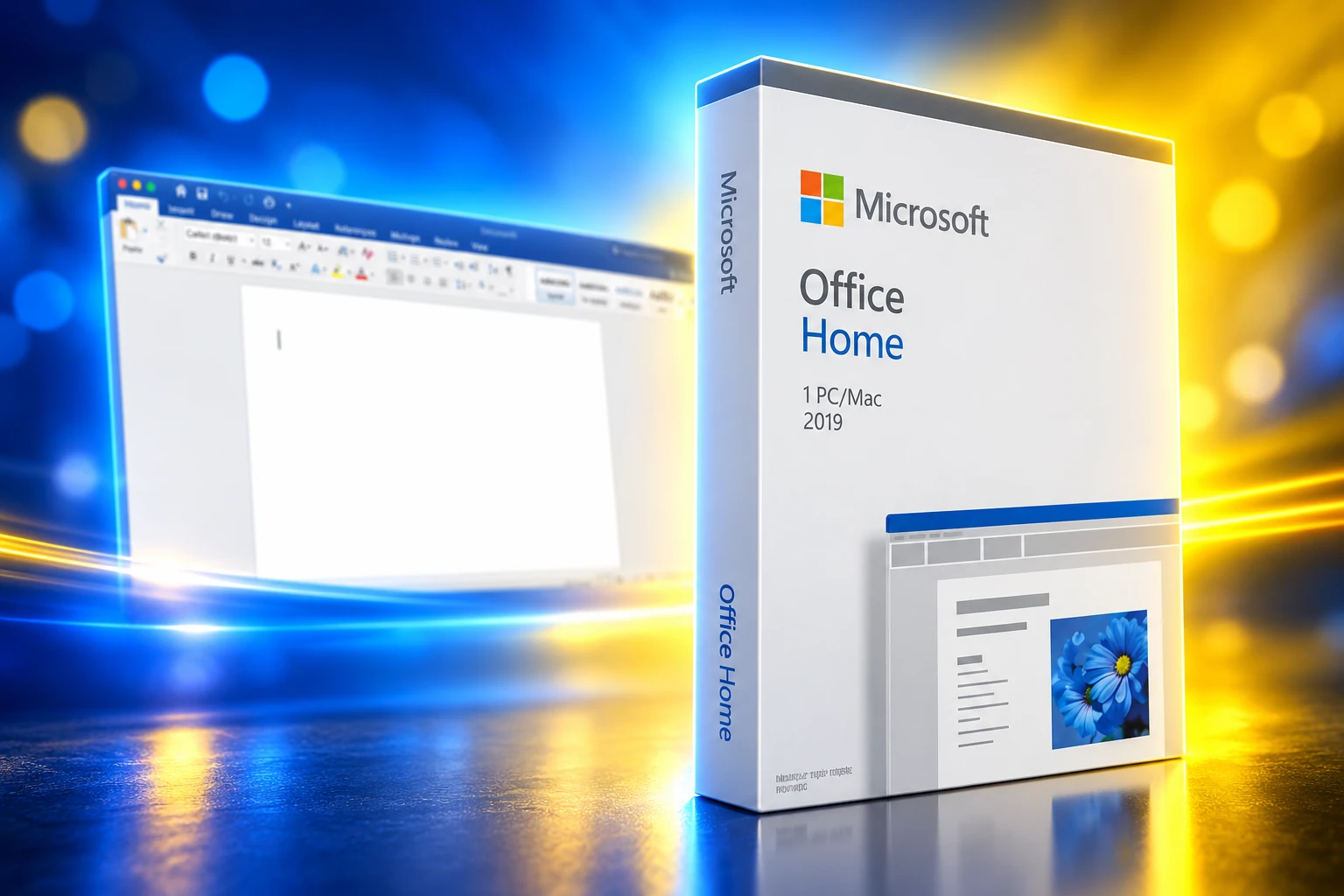
The 2023 Guarantee That Did Not Last
When Microsoft ended support for Office 2019 for Mac, the help page told buyers to rest assured that the apps would continue to function. They would not disappear from the Mac, and data would not be lost. The same page also said people would still be able to use the suite after October 10, 2023, minus security fixes and bug repairs.
That working-apps line did not survive the run-up to the certificate date. Microsoft republished the 2019 Mac end-of-support page on May 15, 2026. The new lead says the apps will not lose any data, and that the data can be accessed in a supported Microsoft 365 or Office product. The phrase about apps continuing to function is gone.
THE PROMISE, THEN THE CUT
- October 10, 2023: Support for Office 2019 for Mac ends. The last licensed build is 16.78, and Microsoft’s then-current note still said the apps would continue to function.
- May 13, 2026: Microsoft Learn posts IT guidance that a licensing certificate for Microsoft 365 apps on macOS and iOS expires on July 13, 2026.
- May 15, 2026: The consumer 2019 Mac support page is republished around data safety, not continued function.
- July 13, 2026: Apps below the new minimum versions enter reduced functionality mode automatically.
A Microsoft spokesperson said the company is not intentionally limiting or changing Office 2019, and that the product cannot receive the renewed certificate because no update path exists for an out-of-support product. That is the lifecycle talking. It is also a choice about where the new certificate is allowed to land. 2021 and Microsoft 365 could take an update. 2019 could not, and Microsoft did not build a 2019-only refresh.
Who Can Still Edit After the Certificate Expired?
The split is not “Apple versus everyone.” It is which license can still ingest version 16.83, and which Mac can still run macOS 12. Microsoft 365 subscribers and Office 2021 owners on a supported Mac who ran Help, then Check for Updates, got the new certificate inside the usual patch stream. Office 2019 owners did not, because 16.78 is the ceiling for that license type.
WHO STILL GETS A PATCH
| Product on a Mac or iOS device | Can take the new certificate | After July 13, 2026 |
|---|---|---|
| Office 2019 for Mac (one-time) | No, frozen at 16.78 | Open, view, and print only |
| Office 2021 for Mac (one-time) | Yes, if updated to 16.83 on macOS 12 or later | Full editing if that update landed |
| Microsoft 365 on Mac or iOS | Yes, same 16.83 / 2.93 bar | Full editing if the device and apps are current |
| Office on Windows or Android | Not this certificate path | Not affected by the July 13 cut |
IT admins got a parallel checklist on Microsoft Learn: find Macs below 16.83 and iOS devices below 2.93, push Microsoft AutoUpdate or Intune, and move people whose hardware cannot run the new OS onto the web apps. Learn is clear that this is not a security hole. The certificate validates the license. Customer files are not at risk, and an updated app returns to full use.
Windows Copies Never Hit This Mac Certificate
The same vintage of Office on a PC did not go view-only on July 13, 2026. Microsoft says Windows and Android validate licenses a different way, so the expired Mac and iOS certificate never gated editing there. A one-time Office 2019 disc that looks identical in the box did not age the same way once it was installed on a Mac.
That is the part a one-time buyer cannot patch around. The license is still the license. The app still launches. The file on disk is still there. The Mac build will not accept a newer certificate because Microsoft stopped shipping builds that know that license. A former Microsoft Office for Mac team member pointed at Office 2001 as the contrast, saying that old suite is still fully functional 25 years later and ran in about 10 MB of RAM. Later perpetual Mac Office is wired to a file Microsoft can let lapse.
People who paid once for 2019 were not confused about subscriptions. They bought the SKU Microsoft sold as a one-time install. The kill switch was never a separate “turn it off” button. It was an update that 2019 was no longer allowed to receive.
What a New Mac License Costs Now
Microsoft’s 2019 Mac page points at three ways back to editing: the free web apps, a Microsoft 365 plan, or Office 2024 as another one-time buy. None of those revive the 2019 license. They replace it.
THE PAID AND FREE EXITS
- Web apps: Word, Excel, and PowerPoint run in a browser at microsoft365.com with a Microsoft account, at no extra charge. Files already in OneDrive are the easy path in.
- Microsoft 365 Personal: The Microsoft 365 compare table lists it at $99.99 a year, with desktop apps and use across devices. Family is listed at $129.99 a year for up to six people.
- Office Home 2024: Microsoft’s store lists a one-time Home SKU at $179.99 for Word, Excel, PowerPoint, and OneNote on one Mac. Home & Business 2024 is $249.99 and adds Outlook for commercial use.
- Device hop: A 365 plan can install the current apps on another supported Mac, PC, or phone from the Microsoft account page if the old Mac cannot run Monterey.
Apple still sells a one-time Office Home 2024 license as a Mac download. Microsoft’s Office 2024 FAQ lists October 9, 2029, as the day Office 2024 for Mac and Office LTSC for Mac 2024 go out of support. That is a later cliff, not a permanent editing right. Shoppers hunting another one-time key should treat cheap lifetime Office licenses as timed too.
To drop 2019 and sign into 365 or 2024 on the same Mac, Microsoft says to run the License Removal Tool, then sign in and check for updates. The old apps can stay on disk. The old license cannot stay in charge.
No Desktop Patch for Big Sur and Catalina
The certificate update is gated on the OS as much as on the Office build. Microsoft says a Mac must be on macOS 12 (Monterey) or later before the 16.83 package will install, and an iPhone or iPad must be on iOS 17.0 or later for version 2.93. Apple’s how to update macOS Monterey steps are the first move for any Mac that can still take that release.
Machines that cannot leave macOS 11 or earlier have no desktop fix from Microsoft. The support note tells those owners to use the web apps, install Office on a different supported device, or buy newer hardware. Catalina users who still tried to activate 2019 after July 13 hit the 0x0 wall. Reinstalling, clearing Keychain data, and running the license tool did not bring editing back, because the frozen 16.78 build has no renewed certificate to accept.
Microsoft 365 still follows Apple’s three-latest-macOS rule for ongoing Office updates. A Mac that is merely old enough to miss Monterey is already outside that window. The web apps are the remaining Microsoft path that does not care which desktop OS is underneath.
Office 2021 Still Says the Apps May Work
Office 2021 for Mac could take the July certificate because it was still in support. That support has a hard stop. Microsoft says there will be no extension and no extended security updates after October 13, 2026. After that date, 2021 gets no more software updates, no phone or chat support, and no new help content.
The comfort sentence on that page is the 2019 sentence before the May edit, almost word for word.
Support for Office 2021 will end October 13, 2026 and there will be no extension and no extended security updates. All of your Office 2021 apps may continue to function. However, you could expose yourself to serious and potentially harmful security risks.
Microsoft Support, End of support for Office 2021
Home users, Microsoft says, will still be able to use Office 2021 after that date, and it still recommends moving to a newer suite so patches keep coming. That is the same shape as the 2019 note that later lost its “continue to function” line. The Office 2021 end of support page does not describe another reduced functionality date. It also does not promise a certificate refresh once updates stop.
2019 showed what that gap looks like on a Mac. The license stayed valid. The files stayed on disk. Editing died when the next certificate could not be delivered. 2021 owners who already installed 16.83 still have a working desktop suite through October 13, 2026. After that, they are on the same kind of frozen build Office 2019 was on after October 10, 2023, waiting on whatever licensing file Microsoft next decides not to ship.

Windows 11 26H2 Turns Settings Backup On by Default

The Gears 2 PC Port Epic Refused to Ship

Ghost Recon Wildlands Returns at 4K as a Catalog Product

Waterpark Simulator Keeps the $12.99 Price After 1.0

Nurix Puts NuPlay on Microsoft Marketplace to Reach Azure Buyers

Warzone Leaves Xbox One and PS4 After Season 06

Microsoft AI Was Set Free to Build Its Own Frontier

Microsoft IQ Turns Workplace Data Into a Metered Agent Brain

Xbox Games Showcase 2026 Split the Catalog in Two

Nadella Banned Addiction Talk While Scout Kept Heartbeat
-
 NEWS5 months ago
Warzone Leaves Xbox One and PS4 After Season 06
-
 NEWS5 months ago
Microsoft AI Was Set Free to Build Its Own Frontier
-
 MICROSOFT 3655 months ago
Microsoft IQ Turns Workplace Data Into a Metered Agent Brain
-
 NEWS5 months ago
Xbox Games Showcase 2026 Split the Catalog in Two
-
 MICROSOFT 3655 months ago
Nadella Banned Addiction Talk While Scout Kept Heartbeat
-

 NEWS5 months ago
Modern Warfare 4 Splits Its Audience Before the October Launch
-

 NEWS5 months ago
Infinity Ward Bets Modern Warfare 4 on a Paid DMZ
-

 NEWS5 months ago
Dragonwilds Hits Xbox, but Steam Saves Stay Put