
NEWS
OneDrive on Mac Drops the Hidden Cache From 2022
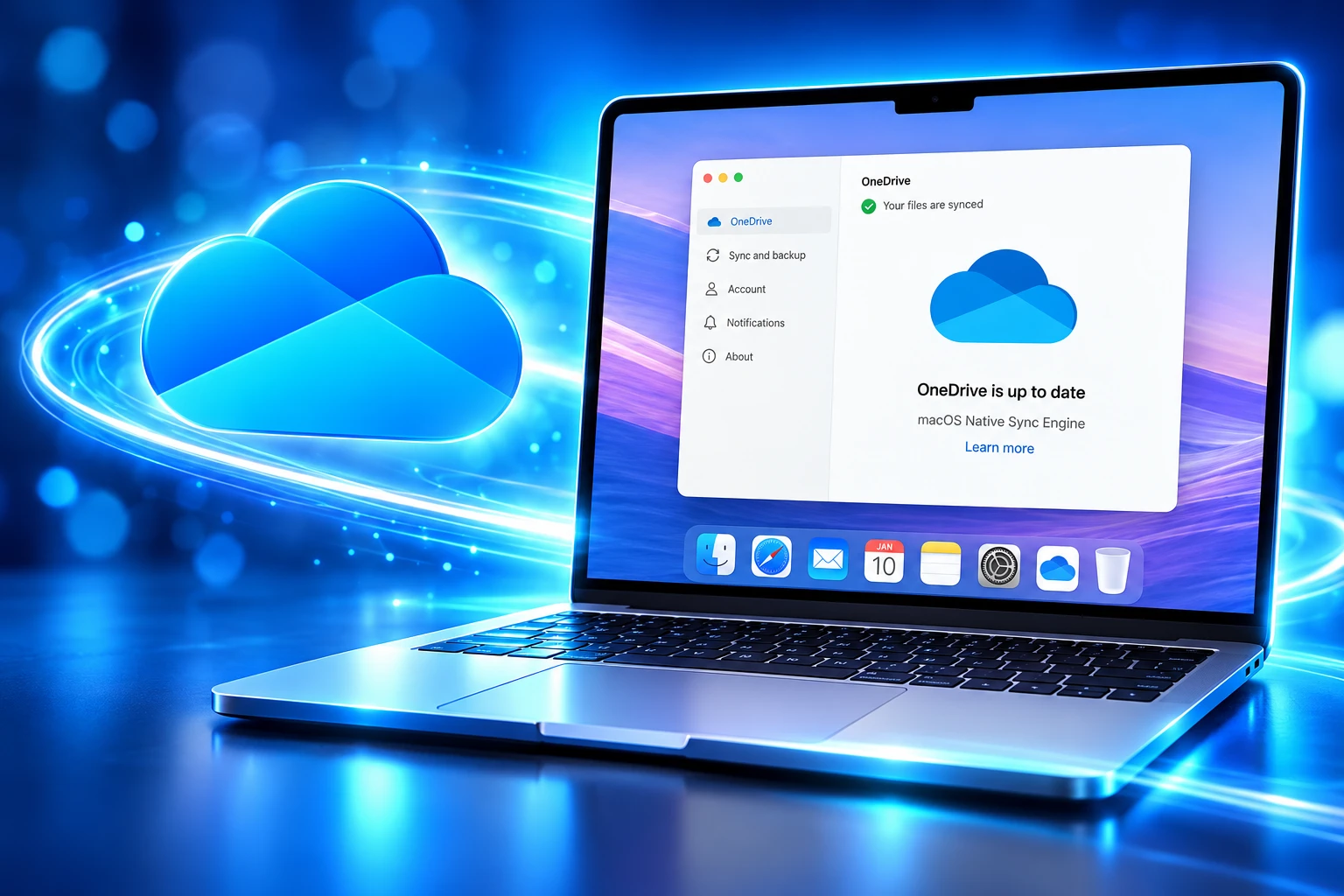
Microsoft’s Native Sync Engine for OneDrive on Mac is about 2x faster because it finally removes the 2022 hidden cache that mirrored every file.

Microsoft’s OneDrive app for Mac is replacing a 2022 File Provider workaround with a Native Sync Engine that, in the company’s own testing, is about 2x faster for initial sync and on-disk state changes. Insiders received version 26.098 on June 10, 2026. General availability started in early September 2026 for Worldwide, GCC, GCC-High, and DoD tenants, with the company aiming to finish by late November 2026.
The speed claim is the easy headline. The rewrite exists because Microsoft spent four years living with a hidden cache folder it built so the old sync engine could stay largely unchanged.
Microsoft Left the Windows Sync Engine Untouched
When OneDrive moved onto Apple’s File Provider platform in 2022, the Mac client had two jobs that did not fit together. The sync engine still wanted to write the way it always had. File Provider wanted a different contract with the disk.
Jack Nichols of Microsoft said the team bridged that gap by adding a hidden cache that mirrored OneDrive contents, “so the sync engine could remain largely unchanged.” The cache also unlocked Known Folder Move, the feature that backs up Desktop and Documents into OneDrive. Telemetry later named that same folder as the root cause of many of the errors and slowdowns Mac users had been reporting since.
To reduce risk, we decided to use a hidden cache folder that mirrored your OneDrive contents, so the sync engine could remain largely unchanged.
Jack Nichols, Microsoft, OneDrive blog, June 10, 2026
On the Sync Up podcast published with that post, the team was blunter about the 2022 choice. They said they had tricked the old engine into writing to disk, then wrote extra code that copied that disk state into File Provider. The Native Sync Engine is the third Files On-Demand stack OneDrive has shipped on the Mac, after the 2018 original and the 2022 File Provider client.
Nichols wrote that building the new engine meant rebuilding large parts of the file-system code so OneDrive could talk to File Provider without that mirror. The company had already been pushing a more Mac-like shell earlier in 2026, including a SwiftUI Activity Center with Liquid Glass in Insider build 26.017. The engine is the piece that actually changes how files hit the disk.
The Cache Folder That Copied Every Tree
Ankita Kirti, then on the OneDrive team, described the 2022 design in a January 12, 2022 post. The visible library lived under ~/Library/CloudStorage, for example OneDrive-Personal. Beside it, OneDrive kept a hidden cache path that mirrored the file tree. Most of those files were meant to be dataless, but pinned items and in-flight transfers still carried data there.
If you pointed setup at an external volume, File Provider still forced the sync root onto the home volume. The cache sat on the other disk in a hidden sibling folder whose name began with.ODContainer, with a symlink papering over the split. Users were told not to touch it. Plenty of people found it anyway, including cases where the cache and the visible folder both looked full.
The Native Sync Engine does not pretend that hidden folder is gone. It shrinks the job. File data is supposed to live only in the OneDrive folder you actually open. Nichols posted a metadata-folder shot for a consumer account with about 10,000 items kept locally, and the leftover footprint was a thin metadata store rather than a second copy of the library.
FILES THAT STILL TOUCH THE HIDDEN FOLDER
- Pending uploads: A copy of a file you just created or changed stays there until it finishes going to the cloud, then it is removed.
- Link files: OneNote shortcuts and similar link types, typically a few hundred bytes, stay in the hidden folder on purpose.
- Mac packages: GarageBand files,.app bundles, and some older iWork packages are kept longer than ordinary documents.
That is a different machine from the 2022 replica of the whole tree. Finder used to create files on disk only the first time you opened a folder, which produced “Loading…” in the window and apps that hung waiting for the folder to appear. Under the new engine, every folder and file is browsable on disk even when the contents are still online-only.
First Sync and Disk Changes Run About Twice as Fast
Microsoft’s test line is narrow on purpose. The new system is about 2x faster for initial sync and for on-disk state changes, and it uses less CPU, memory, and battery while doing that work. Files On-Demand itself does not change. A file you have never opened stays in the cloud until you open it or mark it Always On This Device.
The company also ran what it called usage well beyond an average account, and said the new path held up. That is still a vendor test, not an independent bench, but it is more specific than a generic “faster sync” slide. The practical difference Mac users will feel first is Finder no longer waiting to materialize a folder before it will draw it.
WHAT CHANGES ON THE MAC CLIENT
| Area | 2022 File Provider client | Native Sync Engine |
|---|---|---|
| Hidden folder | Mirror of the synced tree, including pinned data | Metadata, plus a short list of special files |
| First sync and disk changes | Old engine plus a cache bridge | About 2x faster in Microsoft testing |
| Folder browse | Files created on first access, Finder “Loading…” | Every file and folder always browsable |
| Version string | Ends with the macOS version | Ends with an alphabetic suffix such as (26K) |
| SharePoint libraries | Nested under one tenant in the sidebar | Each synced library is its own Finder root |
| File data | Split across sync root and cache | Lives in the OneDrive folder you use |
The Mac app still has to meet current OS cuts. Microsoft’s OneDrive system requirements, last updated June 23, 2026, put the desktop client on macOS 14.4 or newer, Apple silicon or Intel, APFS (case insensitive). Beta macOS builds are not supported.
How to Check If the Native Engine Is On
Open OneDrive preferences and read the version on the About tab. If it ends with an alphabetic suffix such as (26K), the Mac is on the Native Sync Engine. If it ends with the version of macOS, it is still on the old File Provider client. Microsoft 365 Message Center item MC1458483 uses the same (26K) example, so treat that suffix, not a guessed letter, as the tell.
Insiders who want the engine before their tenant is flipped can join from that same About tab. The upgrade is meant to run while you keep working. Nichols said OneDrive itself may take a couple of minutes, with File Provider needing a little longer after that. There is no admin switch to throw, and no separate installer for the engine.
The same summer, Microsoft also cut OneDrive support on older Windows 10 builds, ending updates for the desktop app on Windows 10 21H2 and earlier as of August 15, 2026. The Mac rewrite is the other half of that cleanup: keep the clients that still get code, and stop carrying the shims that made them expensive to run.
SharePoint Libraries Now Sit as Separate Finder Roots
Work accounts that still press SharePoint’s Sync button will see the sidebar change. Each synced library becomes its own location in Finder, instead of nesting under one tenant entry. Add shortcut to OneDrive stays the method Microsoft wants for shared content. Admins who already hid Sync can ignore the whole section.
MC1458483 asks help desks to warn Mac users about that sidebar split and to refresh any training that still shows the old grouped tenant. It also repeats the nudge to hide Sync in tenants that have already moved to folder shortcuts. No one has to approve the engine itself. Eligible Macs pick it up with a normal OneDrive app update.
WHAT ADMINS ARE ASKED TO DO
- Sidebar notice: Tell Mac users that synced SharePoint libraries will appear as separate Finder locations, not one tenant stack.
- Docs and training: Rewrite internal screenshots that still show the grouped sidebar.
- Shortcuts over Sync: Prefer Add shortcut to OneDrive for shared libraries, and hide the Sync button if the tenant has already made that switch.
That Finder split is the one visible behavior change Microsoft is willing to call out. Online-only files stay online-only. Always On This Device still pins. The engine is not a new Files On-Demand mode, and it is not a new sharing model. It is a new way for the same icons to talk to the disk.
Why an External Drive Still Needs FileVault
Macs with soldered SSDs have been the quiet audience for this work. File Provider wanted the provider root on the system volume group, which is why a 1TB boot disk next to a pile of faster external storage still left OneDrive on the small drive. Dave Plummer, who wrote Windows Task Manager, hit that wall in January 2026 on an M2 Mac Pro whose 1TB boot disk sat beside 18TB of RAID SSDs. He said Apple’s sync stack required the root container on the system volume, that OneDrive, Dropbox, and Google Drive all inherited the rule, and that a symlink got detected.
Replies reached for recovery-mode SIP off-switches and for installing macOS onto the RAID, which is the kind of advice people give when the product has no supported path. Microsoft had already started carving one. In 2025 it let Insiders put OneDrive on a non-home APFS volume, then, with version 25.127 and macOS 15.0, on removable drives too. The Native Sync Engine keeps that path: if the Mac and the disk meet the rules, files and the metadata folder both live on the external drive. If they do not, both stay on the home volume.
EXTERNAL DRIVE RULES
- OS and app: macOS 15.0 or later, and OneDrive 25.127 or later for removable disks.
- Format and lock: The volume must be case-insensitive APFS and protected by FileVault, which on an external disk means Encrypt from the Finder.
- Rejected volumes: Read-only disks, network shares, and volumes macOS has quarantined are out.
- Unplug behavior: OneDrive stops syncing, shows an error after a short grace period, and needs the disk plus an app restart to resume.
- No drive roaming: Moving the disk to another Mac does not bring the sync relationship with it. You set OneDrive up again on that Mac.
FileVault is not a Microsoft whim. Nichols called it a macOS requirement. You also cannot reuse an existing sync by dragging folders around. Unlink, pick the external path during setup, and relink. For a lot of 256GB and 512GB MacBook Airs, that is the feature that matters more than the 2x chart, because the internal SSD was never going to hold a full work library.
General Availability Runs From September Into November
Insiders have had the engine since June 10, 2026. Production is later and slower. Microsoft posted MC1458483 on August 21, 2026, then updated it on August 24 after slipping the start from late August to early September 2026. Completion is still late November 2026 across Worldwide, GCC, GCC-High, and DoD.
THE PATH FROM FILE PROVIDER TO NATIVE SYNC
- 2018: OneDrive ships the first Files On-Demand client on the Mac.
- January 12, 2022: The File Provider client rolls out on macOS 12.1 and later, with the hidden cache path and a home-volume sync root.
- June 12, 2025: Removable-drive sync lands for Insiders on macOS 15.0 with OneDrive 25.127, still under the old engine.
- June 10, 2026: Native Sync Engine ships to Insiders in version 26.098.
- August 24, 2026: Message Center sets general availability for early September through late November 2026.
- Early September 2026: Eligible Macs start picking up the engine with ordinary app updates.
The Mac client is getting this treatment in the same stretch of calendar as other forced moves off old Microsoft software on that platform, including Office 2019 for Mac going read-only after code-signing certificates expire. Perpetual Mac Office and a cache-bound OneDrive were both leftovers of a design that treated Apple’s APIs as a problem to paper over.
If the About tab already shows (26K), the Mac is through the gate. If it still shows a macOS version suffix, the wait is the staged tenant rollout, not a setting you missed. Microsoft wants feedback through Send Feedback in the Activity Center while that window is still open, which it will be until late November 2026.

Windows 11 26H2 Turns Settings Backup On by Default

The Gears 2 PC Port Epic Refused to Ship

Ghost Recon Wildlands Returns at 4K as a Catalog Product

Waterpark Simulator Keeps the $12.99 Price After 1.0

Nurix Puts NuPlay on Microsoft Marketplace to Reach Azure Buyers

Warzone Leaves Xbox One and PS4 After Season 06

Microsoft AI Was Set Free to Build Its Own Frontier

Microsoft IQ Turns Workplace Data Into a Metered Agent Brain

Xbox Games Showcase 2026 Split the Catalog in Two

Nadella Banned Addiction Talk While Scout Kept Heartbeat
-
 NEWS5 months ago
Warzone Leaves Xbox One and PS4 After Season 06
-
 NEWS5 months ago
Microsoft AI Was Set Free to Build Its Own Frontier
-
 MICROSOFT 3655 months ago
Microsoft IQ Turns Workplace Data Into a Metered Agent Brain
-
 NEWS5 months ago
Xbox Games Showcase 2026 Split the Catalog in Two
-
 MICROSOFT 3655 months ago
Nadella Banned Addiction Talk While Scout Kept Heartbeat
-

 NEWS5 months ago
Modern Warfare 4 Splits Its Audience Before the October Launch
-

 NEWS5 months ago
Infinity Ward Bets Modern Warfare 4 on a Paid DMZ
-

 NEWS5 months ago
Dragonwilds Hits Xbox, but Steam Saves Stay Put