
NEWS
Samsung Gallery Drops OneDrive and Microsoft Loses the Default
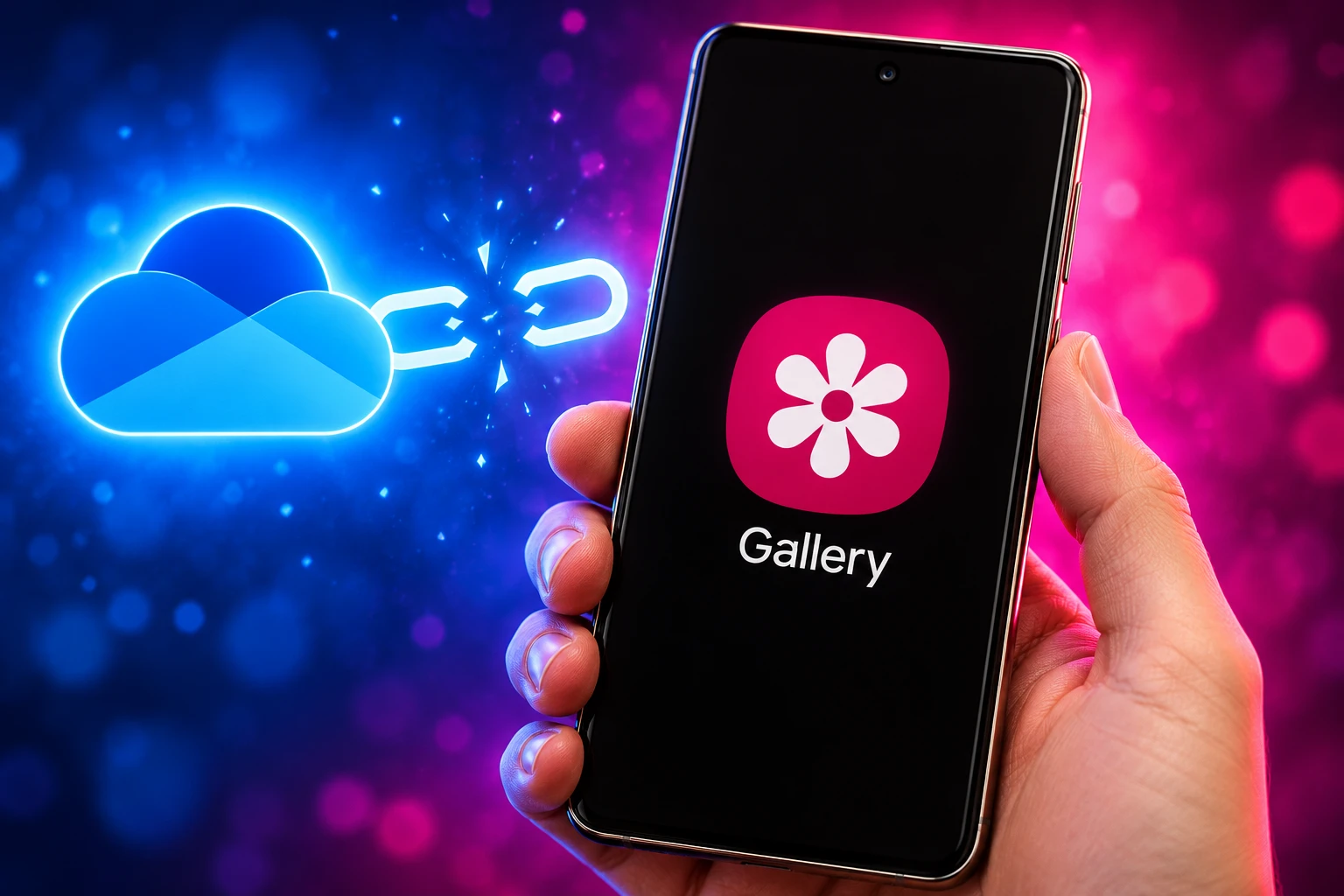
Samsung Gallery stops syncing with OneDrive on September 30, 2026. Microsoft keeps the files, loses the Galaxy default, and Camera backup is now a separate app.

Microsoft’s support page, last updated May 14, says Samsung Gallery will no longer sync directly with OneDrive starting September 30, 2026. Photos already in OneDrive stay there. They drop out of Gallery after that date, and new shots reach Microsoft only if Camera backup is on in the OneDrive app.
Galaxy owners who already pay for Microsoft 365 still have to open that app, grant full photo access, and flip the switch. Samsung UK is already telling customers to use it, or Google Photos. The files are safe. The default slot is what changes hands.
Gallery Loses OneDrive, the Files Do Not
This is not a wipe of Microsoft’s servers. The support page is blunt about what stays and what goes: copies already stored in OneDrive “remain safe and unchanged,” they stay available on any device with the app or at onedrive.com, and they “are not deleted or modified.” What ends is the in-Gallery pipe that made those copies without a separate download.
Starting September 30, 2026, Samsung Gallery will no longer sync directly with OneDrive.
Microsoft Support, Changes to Samsung Gallery Sync and OneDrive
Samsung Cloud’s own notice matches that date and adds a second cut. After the service ends, photos stay on OneDrive but stop showing in Gallery unless you download originals first, and account linking will also be deleted between Microsoft and Samsung accounts. The detailed schedule “may change depending on business circumstances,” the notice says, but the published day is still September 30.
New users are already out. Microsoft’s privacy page for the Samsung hook says that as of May 1, 2026, new users can no longer link Gallery to OneDrive. Testers then found the toggle missing in newer Gallery builds, with no in-app warning, while people who had already turned sync on could keep using it until the formal end date.
WHAT STOPS AND WHAT STAYS
| Piece of the hook | Until September 30 | After September 30 |
|---|---|---|
| Direct Gallery to OneDrive sync | Only if you already enabled it | Gone |
| OneDrive photos inside Gallery | Visible when synced | Removed from Gallery |
| Files already in OneDrive | Safe | Safe, via the app or the web |
| New backups to OneDrive | Gallery hook or the OneDrive app | OneDrive Camera backup only |
| Samsung and Microsoft account link | Active for existing users | Deleted, per Samsung Cloud |
| Work or school OneDrive | Never supported for this hook | Still not a path |
The Gallery connection was limited only to OneDrive personal accounts, and it was never offered on every carrier, model, and market. Files larger than 4 GB could not upload automatically. The sync was also two-way: a delete in Gallery moved the file to the Recycle Bin and pulled it off other synced devices, and a delete from the web did the same on the phone.
What Happens After September 30
On the day itself, two things fail at once. New images added to Gallery stop uploading to the linked OneDrive account, and photos that lived in OneDrive stop appearing inside Gallery. Microsoft’s workaround is the same Camera backup tool that already ships on every other Android phone.
That tool needs three conditions Microsoft lists in order: the OneDrive app must have permission to access all photos and videos, Camera backup must be turned on, and you must stay under your storage quota. If any of those is off, new shots sit on the phone only.
If you want those OneDrive copies back in Gallery as local files, the window is now. Samsung’s notice tells people to use Download Originals in Gallery, or pull the files from the OneDrive app, before the link dies. After the cut, Gallery will not reconstruct a cloud album from OneDrive on its own.
Neither company has published a usage figure for the Gallery hook. That silence is doing some of the work. A default that never asked you to install an app can look unused in a dashboard and still be the only backup a lot of Galaxy owners ever set.
Samsung Handed Microsoft This Slot in 2019
The split is a rewind of a deal Samsung spent years selling in the other direction. Microsoft and Samsung expanded their mobile pact on March 23, 2015, with OneDrive pre-installed on the Galaxy S6 and S6 edge and 100 GB of extra OneDrive storage for two years. Peggy Johnson, then Microsoft’s executive vice president of business development, called the pairing a way “to bring the best of Microsoft’s productivity services to everyone, on every device.”
The Gallery hook arrived later. In late 2019 Samsung began rolling native Gallery backup to OneDrive on Galaxy Note10 devices in Europe, with U.S. phones to follow, and Microsoft’s service took over as the default cloud locker for photos and videos. Samsung Cloud’s own Gallery Sync and Drive were wound down in stages after that, and remaining cloud copies were headed for deletion once the move finished.
HOW THE DEFAULT CHANGED HANDS
- March 23, 2015: Microsoft and Samsung expand their pact. Galaxy S6 phones get OneDrive pre-installed and 100 GB extra for two years.
- December 2019: Native Gallery backup to OneDrive starts on Galaxy Note10 devices in Europe, replacing Samsung’s own cloud as the default photo locker.
- 2020 to 2021: Samsung Cloud Gallery Sync and Drive shut down in stages, with leftover cloud data set for permanent deletion after the move.
- September 2025: One UI 8.5 Gallery strings such as “Sync with OneDrive ending soon” surface, pointing to a return of Samsung’s own photo cloud.
- May 1, 2026: New users can no longer link Gallery to OneDrive.
- Late May 2026: Newer Gallery builds drop the enable toggle for anyone who had never turned the feature on.
- September 30, 2026: Direct Gallery sync ends, OneDrive copies leave Gallery, and the Samsung-Microsoft account link is deleted.
People who followed Samsung’s first migration were told Microsoft would hold the library. Seven years later they are being told to open a different app, or pick a different cloud, if they want new photos to keep landing somewhere other than the phone.
Camera Backup Now Lives in a Separate App
Microsoft’s keep-using-OneDrive path is seven taps. It works. It is also a different product from the Gallery toggle it replaces, because the app has to be installed, signed in with a Microsoft account that may not be your Samsung account, and granted access to every photo and video on the device.
MICROSOFT’S SEVEN TAPS
- Open the app: Launch OneDrive on the phone.
- Sign in: Use your Microsoft account, which may differ from your Samsung account.
- Profile: Tap the account image at the top left.
- Camera backup: Open that menu and confirm the right account is selected.
- Turn it on: Switch Camera backup on.
- Grant access: Allow OneDrive to see all photos and videos when Android asks.
- Watch the quota: New uploads stop if the account is over its storage limit.
That last point is where a lot of free-tier Galaxy owners will stall. A Microsoft account still includes 5 GB of OneDrive space. Microsoft 365 Basic is 100 GB at $1.99 a month, or $19.99 a year. Microsoft 365 Personal is the plan with 1 TB of secure cloud storage at $9.99 a month, or $99.99 a year, and Family spreads 1 TB per person across up to six people.
If you already pay for Personal or Family, the storage is sitting there. The Gallery hook was the thing that used it without a scavenger hunt. Camera backup is the scavenger hunt.
Google Photos and Samsung Cloud Get the Default
Once Gallery stops handing Microsoft the camera roll, two other lockers are in position to take the shots. Google Photos is already on most Galaxy phones and will back up the library if you turn that switch on. Samsung wants its own cloud back in the photo path, the reverse of the 2019 handoff, though it has not published a clean storage chart for a replacement Gallery sync the way Microsoft publishes OneDrive tiers.
WHERE A GALAXY CAMERA ROLL CAN GO
| Locker | How it picks up new shots | Storage on the cheap end |
|---|---|---|
| OneDrive Camera backup | Separate app, full photo permission, quota in force | 5 GB free; 100 GB from $1.99 a month |
| Google Photos | Its own backup switch, already familiar on Android | Shares Google’s free pool with Gmail and Drive |
| Samsung Cloud | In-house path Samsung is steering Gallery toward | Limits and pricing for a full photo return still thin |
| Local only | Nothing automatic after the Gallery hook dies | Whatever is on the phone |
WHAT WE KNOW
- The cutoff: September 30, 2026 is the date on both Microsoft’s page and Samsung Cloud’s notice.
- The files: Existing OneDrive copies are not deleted.
- The leftover pact: Phone Link, Outlook, and Office still ship on current Galaxy phones.
WHAT IS UNCONFIRMED
- The reason: Samsung and Microsoft have not said why the Gallery hook is ending.
- The replacement quota: Public detail on Samsung Cloud photo limits after the cut is still sparse.
- The user count: Neither company has said how many Galaxy owners actually used Gallery-to-OneDrive.
Google Photos is the low-friction move for anyone who does not already live in Microsoft 365. It organizes a library, searches it, and does not care that Gallery lost a partner. The cost is a second copy of the same life, sitting on Google’s servers, which some owners will refuse on principle.
Samsung Cloud is the in-house bet. Strings in One UI 8.5 last year already talked about OneDrive sync ending, and later write-ups described Samsung putting its own photo cloud back under Gallery. People who bounced off Samsung Cloud the first time, when the company pushed them to Microsoft, now get asked to trust that stack again.
Phone Link Still Ships on Galaxy Phones
The photo default is the piece coming out. The rest of the Microsoft load on Galaxy is not. Current Fold and Flip models have still shipped with Outlook, Office, Phone Link, and the OneDrive app pre-installed, and Phone Link remains the supported bridge from a Galaxy to a Windows PC.
That split is the shape of the loss for Microsoft. Phone Link still needs a Microsoft account and still pulls people toward Windows. Office still opens Word and Excel files on the phone. OneDrive as a file locker still works for documents you put there on purpose. What goes away is the one default that captured a camera roll you never thought about, which is the hardest kind of cloud account to win and the easiest to lose once the OEM unplugs it.
Work accounts were never in this hook anyway, so IT departments that banked on Gallery filling a work OneDrive were already on the wrong product. Personal Microsoft 365 is the plan that actually overlapped with Gallery, and that overlap now depends on a person finding Camera backup.
Four Weeks Left, and a Folder Gap
Today is September 2. The published end date is 28 days away. People who never enabled the Gallery toggle cannot turn it on now. People who did can keep syncing until September 30, then they need the app path, or they need a different cloud, or they keep photos on the phone only.
Camera backup also does not recreate the old map. Gallery sync wrote into a OneDrive folder that behaved like Samsung Gallery, and it could include albums beyond the camera roll when you picked them. The OneDrive app’s Camera backup is a narrower pipe. Screenshots, social folders, and extra albums that rode along in Gallery will not automatically follow unless you put them there yourself. That gap is the quiet breakage, and it is why “just install OneDrive” is not a clean substitute.
Samsung’s UK account already gave the company line to an S25 FE owner in July: switch to the standalone OneDrive app or Google Photos, because photos in OneDrive are safe and will not show in Gallery.
https://x.com/SamsungUK/status/2079882311399534745
Microsoft’s support page still lists the seven taps. They work on any Android phone, including a Galaxy that no longer offers Sync to OneDrive in Gallery. After September 30, that is the only Microsoft path left.

Windows 11 26H2 Turns Settings Backup On by Default

The Gears 2 PC Port Epic Refused to Ship

Ghost Recon Wildlands Returns at 4K as a Catalog Product

Waterpark Simulator Keeps the $12.99 Price After 1.0

Nurix Puts NuPlay on Microsoft Marketplace to Reach Azure Buyers

Warzone Leaves Xbox One and PS4 After Season 06

Microsoft AI Was Set Free to Build Its Own Frontier

Microsoft IQ Turns Workplace Data Into a Metered Agent Brain

Xbox Games Showcase 2026 Split the Catalog in Two

Nadella Banned Addiction Talk While Scout Kept Heartbeat
-
 NEWS5 months ago
Warzone Leaves Xbox One and PS4 After Season 06
-
 NEWS5 months ago
Microsoft AI Was Set Free to Build Its Own Frontier
-
 MICROSOFT 3655 months ago
Microsoft IQ Turns Workplace Data Into a Metered Agent Brain
-
 NEWS5 months ago
Xbox Games Showcase 2026 Split the Catalog in Two
-
 MICROSOFT 3655 months ago
Nadella Banned Addiction Talk While Scout Kept Heartbeat
-

 NEWS5 months ago
Modern Warfare 4 Splits Its Audience Before the October Launch
-

 NEWS5 months ago
Infinity Ward Bets Modern Warfare 4 on a Paid DMZ
-

 NEWS5 months ago
Dragonwilds Hits Xbox, but Steam Saves Stay Put