
NEWS
Windows Ready Print Is Microsoft’s Wager on Driverless Printing
Windows Ready Print now prefers Microsoft’s IPP driver for new installs, a wager that Mopria printers can replace OEM drivers before the 2027 update freeze.

Windows Ready Print now wins the install ranking for new printers on Windows 11, using Microsoft’s inbox IPP class driver instead of a vendor package. Older queues keep the software they already have, because the change is a default rather than a ban. Microsoft is betting this path is good enough to starve vendor drivers of updates after July 1, 2027.
The switch that actually throws third-party drivers off a PC is still optional. Windows Protected Print Mode is that lock, and it stays off unless someone turns it on in Settings or policy.
Windows Ready Print Prefers IPP and Leaves a Back Door
Microsoft now describes Windows Ready Print as Windows’ preferred means of communicating to printers, covering the Internet Printing Protocol, eSCL scanning, and Universal Print. It does not need a third-party driver. The inbox IPP class driver talks to the device, and that path is meant to work the same on x86 and Arm PCs.
That is the soft default. If a printer cannot speak IPP, Windows can still fall back to an OEM installer. Ready Print is a ranking preference, not a padlock.
Windows Protected Print Mode is the padlock. When it is on, the PC prints only through Ready Print, third-party drivers cannot load, and printers that are not Mopria certified will not install. Microsoft calls the mode highly recommended. It is still a choice.
WINDOWS READY PRINT VERSUS PROTECTED PRINT MODE
| Control | Windows Ready Print | Windows Protected Print Mode |
|---|---|---|
| What it changes | Prefers the inbox IPP class driver for new installs | Allows printing only through Ready Print |
| OEM drivers | Still allowed as a fallback | Blocked, and existing third-party queues are uninstalled |
| Which printers | Mopria devices install cleanly; others can still use a vendor package | Mopria certified printers only |
| Where you set it | Printers and scanners preferences, or Group Policy ranking | The same Settings page, Group Policy, or Intune |
| Default now | On for new installs since July 1, 2026 | Off until an admin or user turns it on |
The rename in June 2026 was Microsoft evolving the Modern Print Platform under a new name, Windows Ready Print, so the Settings toggle would match the pitch. The company also said not every workplace can move immediately, which is why the OEM door stays open unless Protected Print Mode is enabled.
The Ranking Flip That Hit on July 1
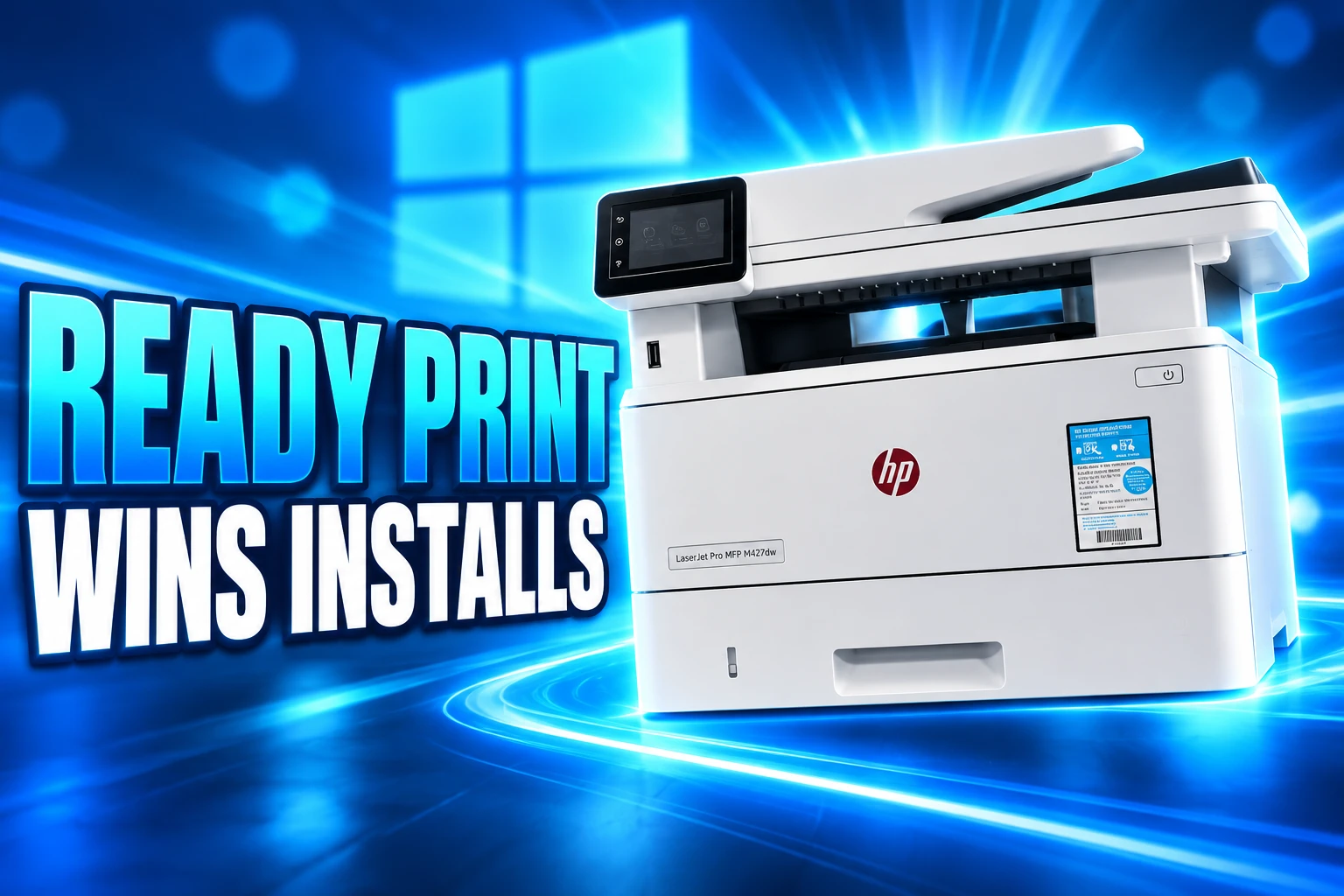
On July 1, 2026, Windows changed how it ranks drivers when you add a printer. The inbox IPP class driver now always sits above a third-party package when both are available. That is the driver ranking change that took effect in July, and it applies to newly added printers, not to queues that were already working.
On a home PC the control is a toggle under Settings, Bluetooth and devices, Printers and scanners, labeled as a default install using Windows Ready Print. Leave it on and a Mopria printer comes in on IPP. Turn it off and Windows can pick the older vendor path again.
IT admins get the same lever as Configure Windows Ready Print driver ranking, under Computer Configuration, Administrative Templates, Printers. Enable it and the IPP path stays preferred. Disable it and the old selection behavior returns. The control is about new installs. It does not rewrite a queue that is already on an HP or Brother driver.
The ranking flip can also block a classic vendor setup package from finishing, which is the point if you want IPP and a nuisance if you still need the OEM tools. Some devices still attach to a generic class driver when IPP support on the box is missing or half-baked. That is the tell that Ready Print is a preference, not magic.
Cloud-managed fleets hit another seam. Protected Print Mode already had an Intune policy, ConfigureWindowsProtectedPrint. The Ready Print ranking control showed up first in Group Policy. Mixing the two names as one switch is how shops get a default they did not mean to ship.
A Four-Year Clock on Vendor Driver Updates
The July ranking change is one date on a longer end of servicing plan for third-party drivers that Microsoft posted in September 2023 and adjusted in May 2025. It covers Windows 11 and Windows Server 2025 and later. Windows 10 is outside it.
Microsoft already ships an inbox IPP class driver for Mopria printers over network and USB, a path that arrived with Windows 10 21H2. Custom screens and finishing options are supposed to move into Print Support Apps from the Microsoft Store, written as UWP apps instead of Win32 driver code. That is the product bet: one class driver, plus an app, instead of a new kernel-adjacent package per model.
THE DRIVER SERVICING CLOCK
- September 2023: Microsoft announces the end of servicing for legacy v3 and v4 Windows printer drivers.
- January 15, 2026: No new third-party printer drivers are published to Windows Update for Windows 11 and Windows Server 2025. Existing packages can still be updated case by case.
- July 1, 2026: Driver ranking always prefers the Windows IPP inbox class driver.
- July 1, 2027: Third-party printer driver updates are no longer allowed except for security-related fixes.
Vendors can still ship their own installers. Existing signed drivers still load. After January 15, 2026, new Windows 11 packages get signatures only case by case, and Microsoft lists three reasons it will still sign: a printer that cannot be Mopria certified, a package capped at Windows 10 or lower, and native ARM64 printer drivers.
The 2027 line is the expensive one. A security fix can still land through Windows Update. A new tray, a new paper size, or a new finishing option in the old driver model cannot. Shops that need those controls either move to Print Support Apps, keep sideloading vendor packages, or stay off Protected Print Mode.
Mopria’s 10,000 Models Are the Safety Net
Ready Print is a Microsoft label on an industry standard. The Mopria Alliance, founded in 2013 by Canon, HP, Samsung, and Xerox, writes the IPP print and eSCL scan rules that Windows is now ranking first. Microsoft sits in the alliance alongside those printer makers, plus firms such as Brother, Epson, Google, and Qualcomm. The group lists 32 member companies.
In April 2026 the alliance said it was surpassing 10,000 Mopria certified product models, with the standard in more than 5 billion installations across Android, Windows, and ChromeOS. Microsoft’s own Protected Print pages say most new printers, and over 120 million printers already sold, are Mopria certified. That installed base is why Redmond can argue the inbox driver is not a science project.
Surpassing 10,000 Mopria certified product models is a significant milestone that reflects the industry’s commitment to making printing and scanning for consumers and professionals easier.
Michael St. Laurent, President, Mopria Alliance
Mopria print is already the Android default print service, which is the comparison Microsoft wants. Phones never installed HP’s Windows driver, and they still print. The wager is that a Windows PC can live the same way, including over USB when the device is in IPP Over USB mode, with scan on eSCL and fax on IPP Fax Out.
The safety net is not the whole market. Older GDI printers, niche labels, and some MFPs with scan functions that were never Mopria certified sit outside it. Microsoft’s Protected Print notes even warn that some compatible devices lose scanning in that mode. A certified print path is not a certified scan path.
How Print Support Apps Replace the Old Driver Panel
The missing piece in a driverless install is the vendor panel people actually use: staple, punch, booklet, tray 2, toner save, job accounting. Microsoft’s answer is Print Support Apps, UWP packages distributed through the Microsoft Store and associated with a printer’s hardware ID. The class driver stays generic. The app layers on the extras without loading a v3 or v4 driver into the spooler.
That split is why printer makers are rewriting tools that used to ride in the driver. Lexmark says its Xerox Print and Scan Experience app will restore granular job-level controls such as finishing options, toner density, and tray management on Xerox and Lexmark devices once Windows is on the IPP path.
WHAT PRINT SUPPORT APPS PUT BACK
- Finishing: Stapling, hole punch, and booklet options that IPP alone does not surface in a useful way.
- Trays and supplies: Paper source, density, and similar hardware controls that used to live in the OEM driver UI.
- Store delivery: The app installs from the Microsoft Store and can follow the printer without a separate vendor setup CD.
- Sandbox: Custom code moves to UWP instead of Win32 driver modules that used to run next to the spooler.
If the maker never ships that app, you get what IPP exposes and nothing more. That is acceptable for a home inkjet that only needs letter and color. It is a problem for a copier that bills by department or a press that needs a specific finisher. The bet assumes vendors will follow Lexmark and Xerox rather than keep pushing the old installer.
Protected Print Mode Throws Out Third-Party Queues
Turn on Windows Protected Print Mode and the tone changes. Printers that use third-party drivers are uninstalled. The driver is deleted from the driver store and cannot be used while the mode is on. A Mopria printer that came in on an OEM package can be added again, but it comes back on Ready Print, not on the vendor driver. If you later turn the mode off, that queue stays on Ready Print unless you remove it and add it again.
A printer that was installed on Ready Print already is left alone when the mode goes on. The pain is for fleets that mixed vendor drivers, virtual printers, and older scan boxes.
WHAT PROTECTED PRINT MODE REMOVES
- Vendor queues: Any printer still on a third-party driver is uninstalled, and that driver is pulled from the store.
- OneNote (Desktop): The old virtual printer goes away. OneNote 2410 and later on Windows 11 version 26100 or higher ships “OneNote (Desktop), Protected virtual printer” as the replacement.
- XPS and fax: Microsoft XPS Document Writer and Windows Fax and Scan are removed. They can be added back only after the mode is off, through Windows Features and Optional features.
- Some scanners: Print can work on a Mopria device while scan stays unavailable if that scan function is not certified.
Group Policy can force the mode on, and a user cannot turn it off from Settings if policy owns it. Microsoft’s 2023 Protected Print write-up pointed at PrintNightmare and Stuxnet as the reason to stop loading third-party print code, and it said the redesign was among the largest print-stack changes in more than 20 years. The company also said then that the mode would eventually be on by default. The public servicing calendar still does not name that day. It names July 1, 2027 for the update freeze instead.
Why Arm Windows Needed a Driverless Stack
Microsoft’s Ready Print pages make the Arm case in two sentences. The inbox path works regardless of a PC’s architecture. Not all vendor drivers do. That gap is the practical reason a class driver became the default ranking, not only a security slide. A new Arm laptop that cannot load a five-year-old x64 driver still needs to print.
The signing FAQ even carves out native ARM64 printer drivers as a case Microsoft will still consider after January 15, 2026. Ready Print is the preferred answer. A rebuilt Arm driver is the exception lane. Reliability is the third pitch: after a Windows Update, a vendor driver can break, and the inbox IPP stack is supposed to keep the same behavior without chasing a new INF.
Security is the language Microsoft leads with. Thousands of printer drivers exist, and there is no way to verify all of them, the Ready Print documentation says. Protected Print Mode also shuts down old attack paths around port-monitor DLLs and Point and Print driver plants. Those are real bugs. They are also the cover for taking the OEM UI off the machine unless a Store app puts it back.
Universal Print sits next to this stack as Microsoft’s cloud queue that does away with on-site print servers. It is not the same toggle as Ready Print, and treating them as one product is how the rename keeps confusing people. Ready Print is how the PC talks to a printer. Universal Print is where the job can be routed if you pay for cloud print. Protected Print Mode is the lock that forbids everything else.
Existing queues keep their old drivers until someone turns on Protected Print Mode or reinstalls the device. Vendor packages can still be sideloaded after the ranking flip. The cheap era for those packages still ends on July 1, 2027, when Windows Update stops taking their feature drops and keeps only the security patches.

Windows 11 26H2 Turns Settings Backup On by Default

The Gears 2 PC Port Epic Refused to Ship

Ghost Recon Wildlands Returns at 4K as a Catalog Product

Waterpark Simulator Keeps the $12.99 Price After 1.0

Nurix Puts NuPlay on Microsoft Marketplace to Reach Azure Buyers

Warzone Leaves Xbox One and PS4 After Season 06

Microsoft AI Was Set Free to Build Its Own Frontier

Microsoft IQ Turns Workplace Data Into a Metered Agent Brain

Xbox Games Showcase 2026 Split the Catalog in Two

Nadella Banned Addiction Talk While Scout Kept Heartbeat
-
 NEWS4 months ago
Warzone Leaves Xbox One and PS4 After Season 06
-
 NEWS4 months ago
Microsoft AI Was Set Free to Build Its Own Frontier
-
 MICROSOFT 3654 months ago
Microsoft IQ Turns Workplace Data Into a Metered Agent Brain
-
 NEWS4 months ago
Xbox Games Showcase 2026 Split the Catalog in Two
-
 MICROSOFT 3654 months ago
Nadella Banned Addiction Talk While Scout Kept Heartbeat
-

 NEWS4 months ago
Modern Warfare 4 Splits Its Audience Before the October Launch
-
 NEWS4 months ago
Infinity Ward Bets Modern Warfare 4 on a Paid DMZ
-

 NEWS4 months ago
Dragonwilds Hits Xbox, but Steam Saves Stay Put